
Sentry alerts as iPhone push notifications
Connect Sentry to Honk and a new error in your app reaches your iPhone as a push, at the level Sentry gave it: a fatal issue is a Blast, an error a Long honk. When you resolve the issue in Sentry, Honk closes it with a recovery. Your alert rules, including metric alerts, can send to Honk too.
It works through a Sentry internal integration, which signs every delivery with its own secret. There’s no SDK to change and nothing to deploy, and Sentry’s errors sit in the same inbox as your servers, payments and cron jobs.
Before you start
- A Honk account. Honk is invite-only for now: request access.
- A project for the app, in a workspace where you’re an owner or admin.
- Permission to create integrations in your Sentry organization.
1. Create the connection in Honk
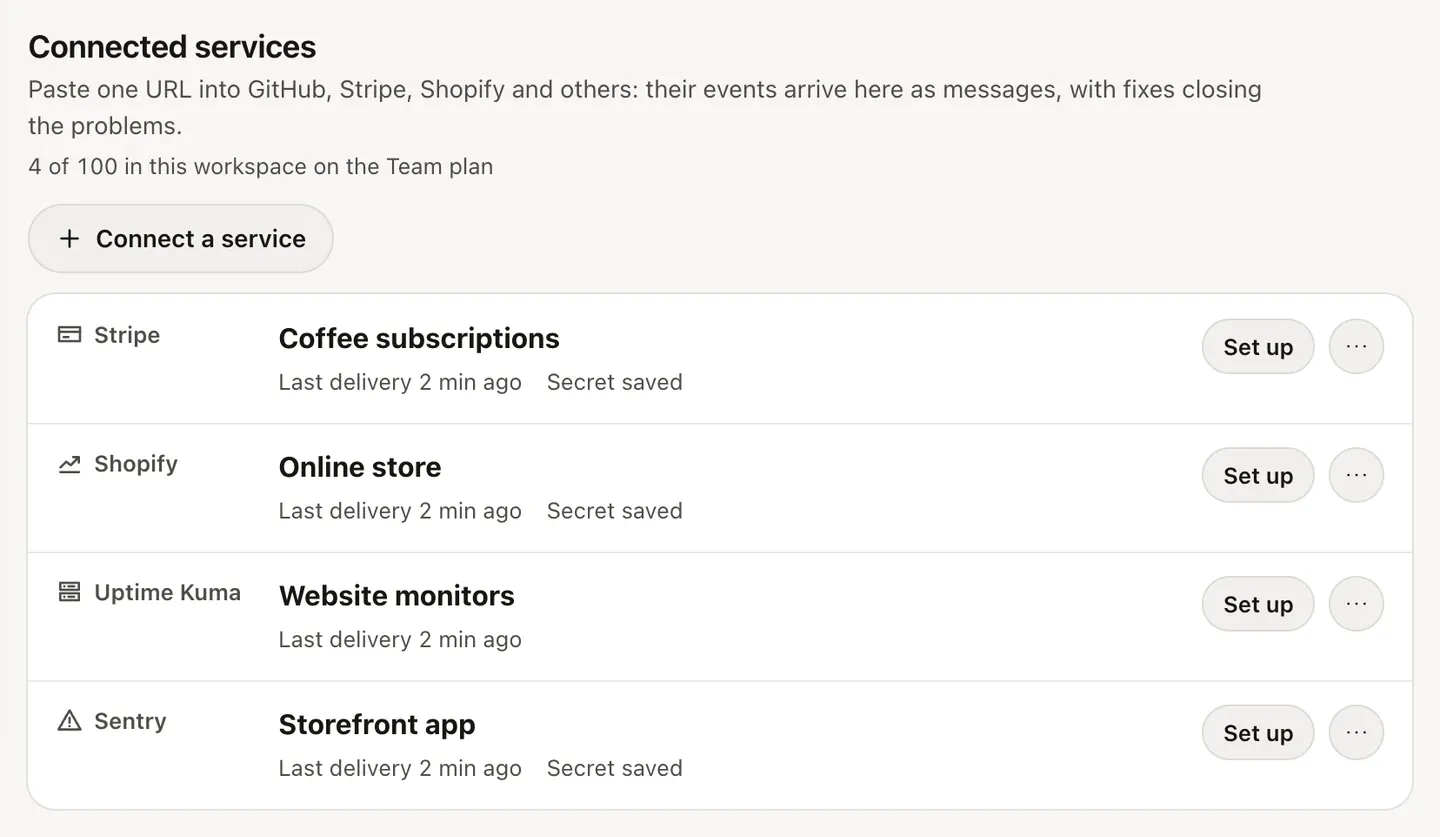
In the Honk web app, open the project, go to Connections and click Connect a service. Choose Sentry, keep the name or change it, and click Connect.
Honk shows the connection’s Webhook URL, which starts with https://honk-honk.app/v1/hooks/sentry/. Copy it, and keep the page open for step 3.
2. Create an internal integration in Sentry
In Sentry, open Settings ▸ Developer Settings ▸ Custom Integrations, click Create New Integration and choose Internal Integration. Name it, for example “Honk”, then:
- paste the URL from Honk into Webhook URL;
- under Permissions, set Issue & Event to Read;
- under Webhooks, tick issue;
- to use Honk in alert rules, turn on Alert Rule Action.
Leave error unticked: it sends every single event, and Honk ignores it. Save the integration.
3. Paste the client secret into Honk
Once the integration is saved, Sentry shows its Credentials. Copy the Client Secret, paste it into Signing secret in Honk and click Save secret.
Honk refuses Sentry’s deliveries until the secret is saved. After that, it checks the signature of every delivery and turns away the ones that don’t match. The connection shows the time of the last delivery, or the last error.
4. Add Honk to alert rules
The issue webhook already covers new, regressed and resolved issues, so this step is optional. To send an alert rule to Honk, open the rule in Sentry and add the action that sends a notification via your integration. That works for issue alerts and for metric alerts, such as an error rate above a threshold.
You can keep both on. An alert about an issue lands in that issue’s group, with the webhook’s messages: it adds to the same problem instead of opening a second one, and resolving the issue in Sentry closes it.
What each event becomes
Issues. A new issue, or one that’s unresolved again, as Sentry reports a regression, opens a problem at the issue’s level:
- fatal: Blast;
- error: Long honk;
- warning: Loud honk;
- info and debug: Light honk.
The message has the issue’s title, where it happened, its short ID and the Sentry project, and links to the issue. Resolving the issue in Sentry sends a recovery, “Resolved: …”, which closes the problem. Assigning or archiving an issue changes nothing in Honk. Each issue is its own group, and Sentry reports an issue once, not once per event, so an error that happens 500 times is still one push.
Issue alerts. A triggered alert opens a problem at the level of the event that triggered it. It joins the group of the issue it’s about, so resolving the issue in Sentry closes it too.
Metric alerts. Critical is a Blast and warning a Loud honk, and resolved sends a recovery. An alert stays one group from the moment it fires until it resolves, and a warning that turns critical pushes again right away.
If you’ve turned on Live Activities in Honk for iPhone, a Long honk or Blast can stay on your Lock Screen until it recovers or you mark it handled.
Plans and limits
Each connection counts toward your workspace’s plan: Free includes 2, Pro 20 and Team 100. Messages from Sentry count toward the plan’s daily message and push limits like any others; pricing lists them.
For uptime and infrastructure alerts in the same inbox, see the Grafana and Alertmanager guide and the Uptime Kuma guide. If your app runs on Laravel, the Laravel exceptions guide reports errors without Sentry, and Stop alert fatigue explains how Honk keeps one problem to one push.
Honk is invite-only for now: request access. Everything in this guide works on the Free plan.